
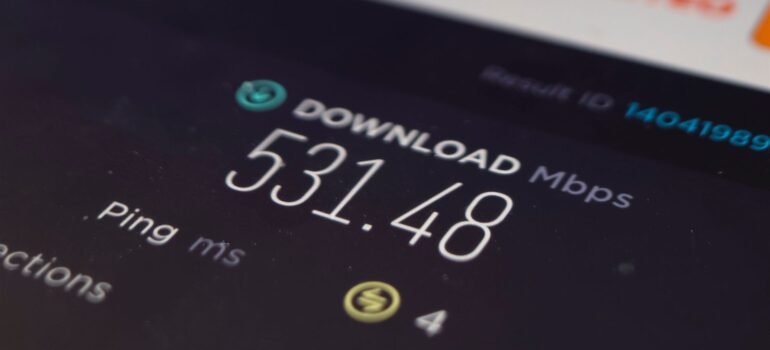
Choosing an internet plan usually comes down to one confusing number: Mbps. Providers throw bigger numbers at you every year, but bigger isn’t automatically better for your home — it depends entirely on how many people are online, and what they’re doing. Here’s a clear, no-jargon breakdown of how much speed you actually need.
What does “Mbps” actually mean?
Mbps stands for megabits per second — it’s how fast data moves between your home and the internet. The higher the number, the faster things load, and the more devices your connection can comfortably support at the same time. A single number on a plan (like “100 Mbps”) is a ceiling for your whole household, shared across every device connected to it — not a dedicated speed for each person.
Speed needed by activity
- Browsing, email, WhatsApp: 5–10 Mbps is enough for one device.
- HD video streaming (Netflix, YouTube, Prime Video): around 5 Mbps per stream.
- 4K/Ultra HD streaming: 25 Mbps or more per stream — this adds up fast if more than one TV is running.
- Video calls (Zoom, Google Meet, Teams): 3–4 Mbps per call, both for sending and receiving — this is where upload speed starts to matter as much as download.
- Online gaming: the raw Mbps number matters less than low latency (ping) and a stable connection — most games only need 10–25 Mbps, but a poor connection still causes lag.
- Smart home devices (cameras, speakers, smart TVs): individually light on data, but they add up when you have 10+ devices constantly connected.
How much speed does your home need?
The simplest way to plan is to add up what’s likely to run at the same time in your home, not just what one person needs.
- 1–2 people, light use (browsing, HD streaming, calls): 50–60 Mbps is comfortable.
- Small family, work-from-home + streaming + a few smart devices: 100 Mbps gives everyone room to breathe.
- Larger household, multiple 4K streams, gaming, video calls, 10+ devices: 200 Mbps or higher avoids any slowdown during peak hours.
- Heavy multi-user homes — several people working from home, streaming, and gaming simultaneously: 300 Mbps keeps everything running smoothly without anyone competing for bandwidth.
Signs your current plan isn’t enough
- Video calls freeze or drop when someone else in the house starts streaming
- Netflix or YouTube keeps dropping from HD to a blurry resolution during peak evening hours
- Smart home devices randomly disconnect or respond slowly
- Uploading files or photos takes noticeably longer than downloading them
If any of that sounds familiar, the problem often isn’t your Wi-Fi router — it’s that your plan’s total bandwidth is being split too many ways.
Why the type of connection matters as much as the number
Not all “100 Mbps” plans behave the same way. Two things matter beyond the headline speed:
- Upload speed: older copper-based broadband connections are usually far slower on upload than download, which is exactly what hurts video calls and cloud backups. Fibre-optic connections carry data at the same high speed in both directions.
- Consistency during peak hours: copper and shared cable connections often slow down in the evening when everyone in the neighbourhood is online at once. A dedicated fibre line to your home doesn’t share bandwidth with your neighbours the same way, so the speed you’re paying for stays consistent when you need it most.
Not sure which plan fits your home?
Rather than guess, answer three quick questions about your household and let our Smart Plan Advisor recommend the right speed for you — no more guessing between plans that are either too small or bigger (and pricier) than you’ll ever use.
Digital Fiber runs 100% fibre-optic connections across Hyderabad, with unlimited data and no slowdown during peak hours. Take a look at our full range of plans, from 60 Mbps up to 300 Mbps, with WiFi, OTT apps and live TV bundled in.